01 / The champions
A hero for
your playstyle.
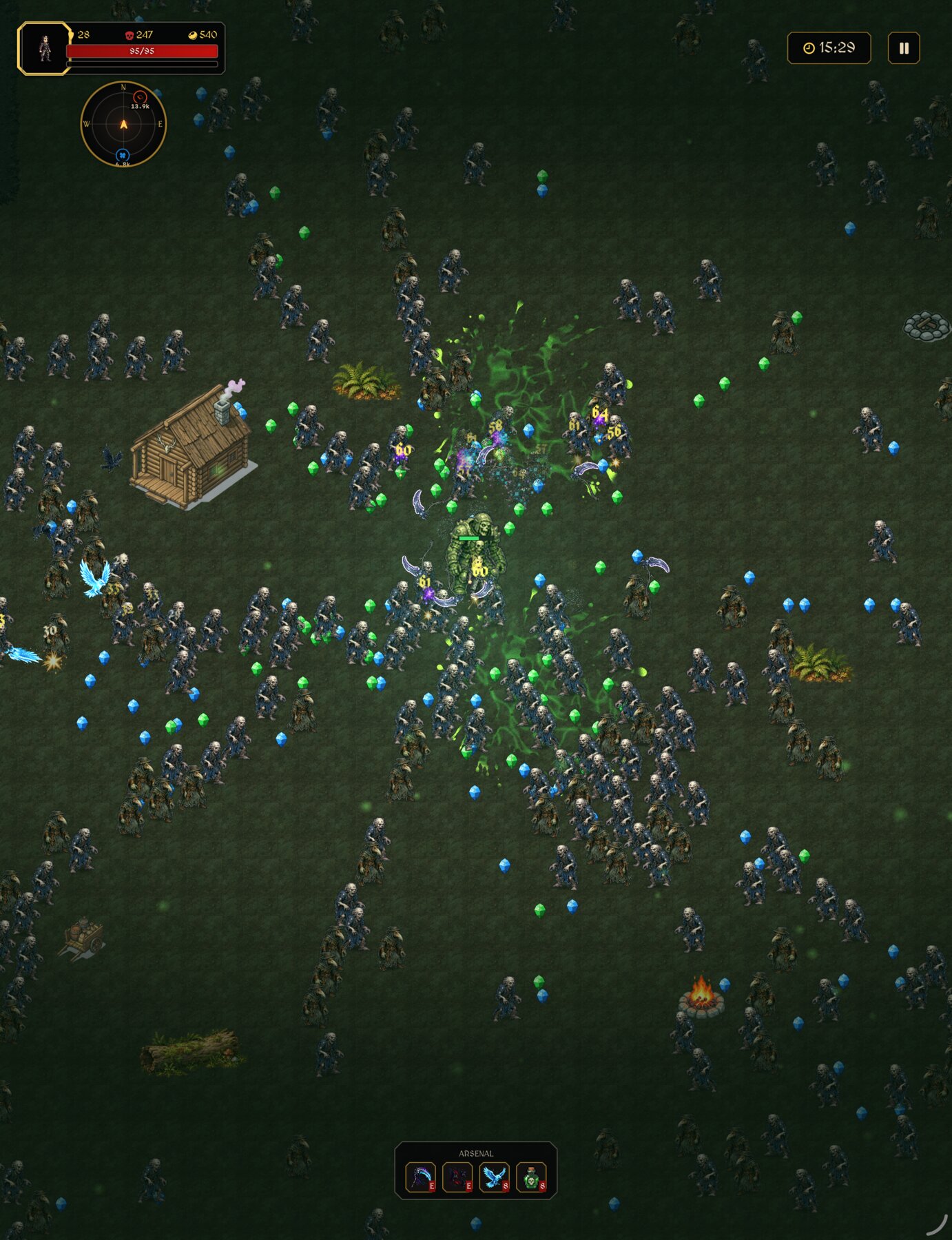
Knights, vanguards, and sorcerers. Each champion brings distinct strengths and starting gear. Earn gold, recruit new heroes, and find the one who makes the battlefield yours.
 HORDEBOUND
A dark fantasy roguelike survivor
Survive. Ascend. Conquer.
The night is relentless. So are you.
Forge a devastating arsenal and stand against the horde.
iPhone · iPad · Mac · Apple TV
One champion. Endless opposition.
Cut a path through swarms of beasts, undead, and fiends. Collect experience, choose your upgrades, and discover weapon combinations that turn survival into domination.
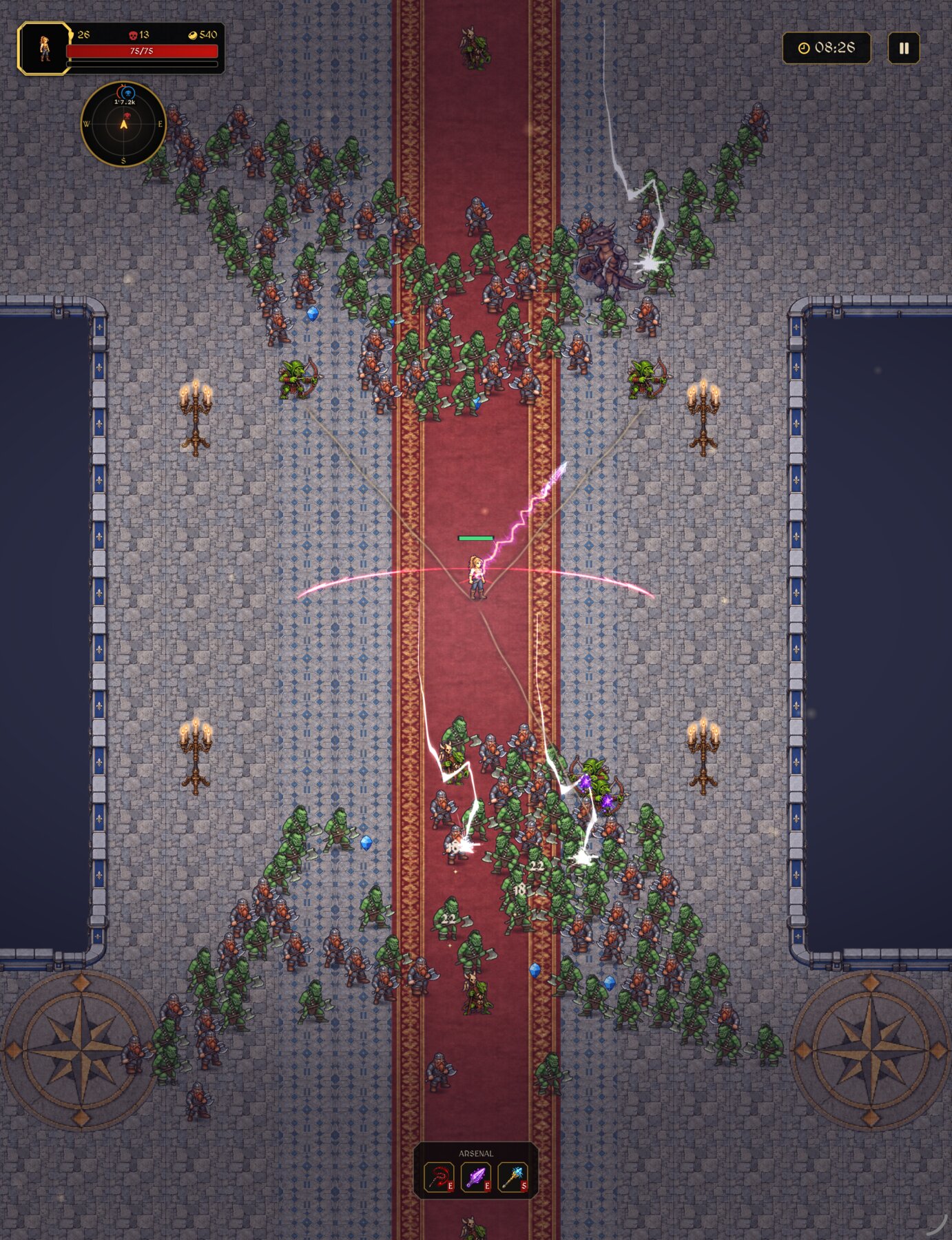
01 / The champions
Knights, vanguards, and sorcerers. Each champion brings distinct strengths and starting gear. Earn gold, recruit new heroes, and find the one who makes the battlefield yours.
02 / The arsenal
Build around blades, spears, auras, and forbidden magic. Stack upgrades and unlock weapon evolutions, from the Crimson Lash to the Plague Vortex. Every choice changes the way you fight.
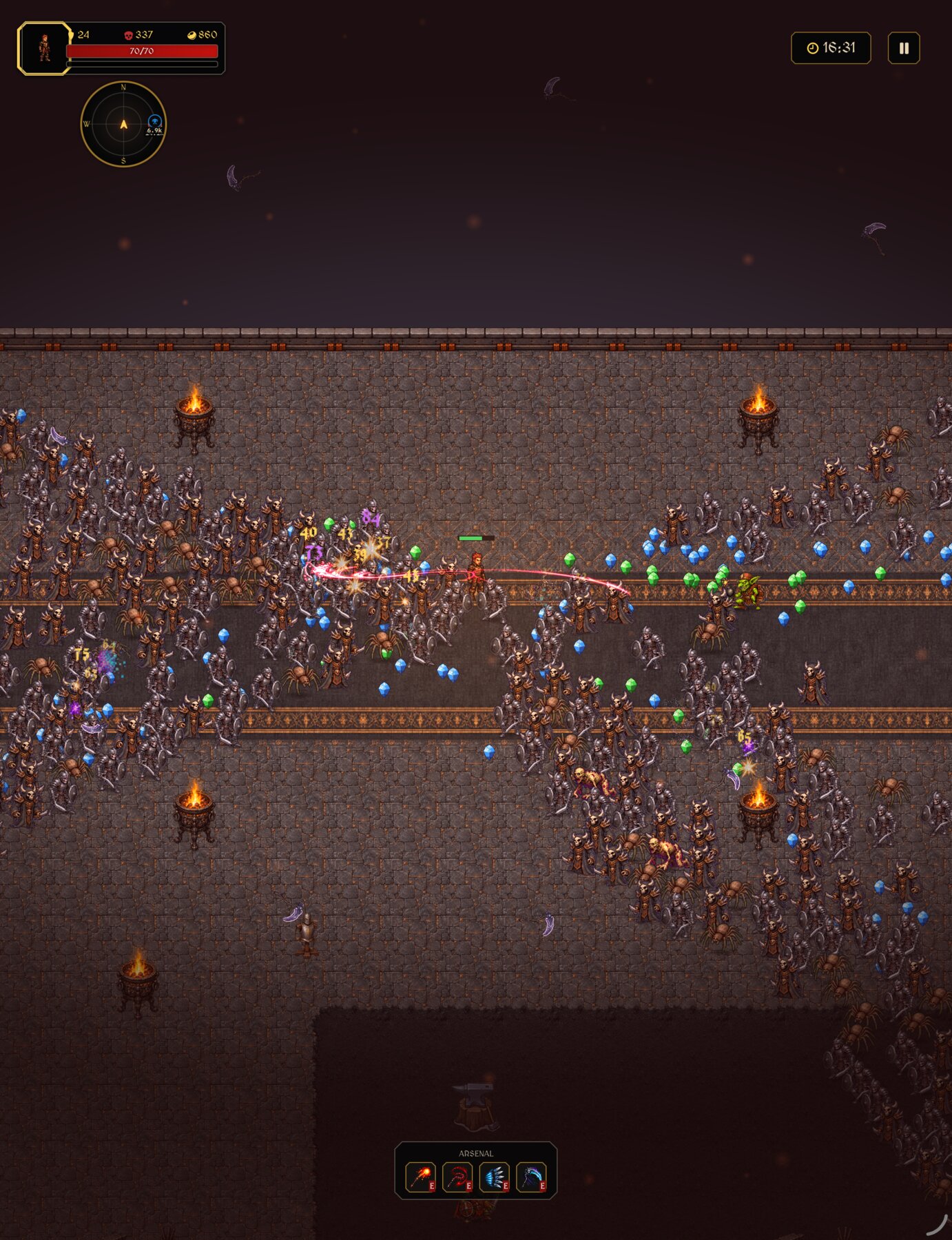
03 / The realms
Haunted wilds. Frozen reaches. Burning catacombs. Venture through six distinct realms, face their creatures and world events, and carry what you earn into your next expedition.
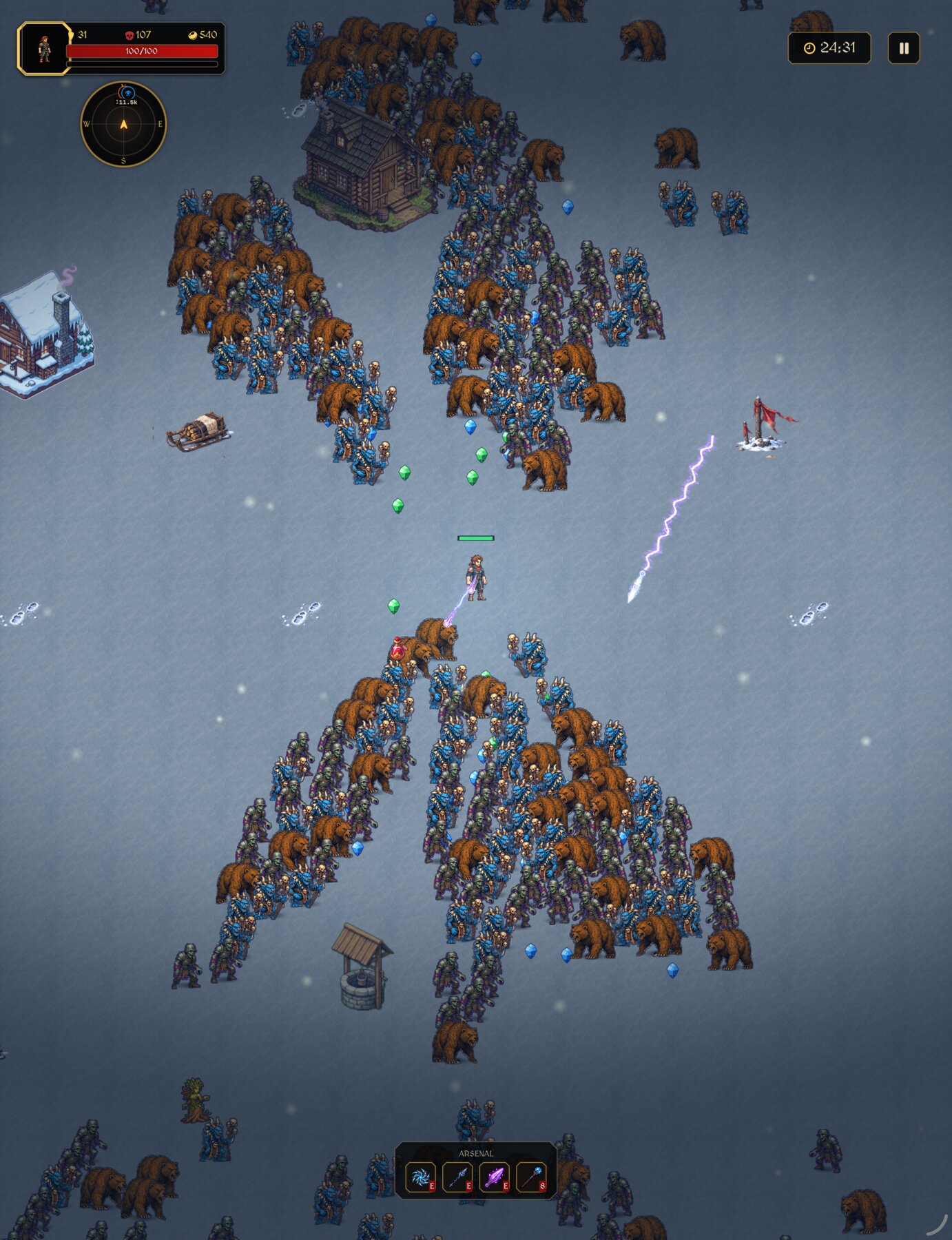
Your battlefield. Your way.
Play offline. Use touch, keyboard, or a compatible controller.
Keep your progression in sync with iCloud when available.
Help shape the next run
An idea worth sharing, a problem worth fixing, or a message from the battlefield — I’d love to hear it. Your feedback helps me make Hordebound better.
Share your feedbackFor a bug report, include your device, operating system, game version, and what happened. Please never send passwords or payment details.
Yes. You can play Hordebound offline. iCloud progression sync and Game Center achievements need an internet connection and the relevant Apple account.
Use the same Apple Account and enable iCloud on each device. Connect to the internet and allow time for sync. Before reinstalling or switching devices, make sure your latest progression has synced.
Use touch on iPhone and iPad, keyboard controls on Mac, and supported game controllers. Apple TV menus support the remote; a compatible controller is recommended for gameplay.
Check that you are signed in to Game Center in your device’s settings, connect to the internet, and reopen the game. Achievement progress can be reported when the connection is restored.
Send a bug report with your device, OS version, game version, and steps leading up to the problem. For missing progress, tell us whether you use iCloud and which devices are affected. Avoid deleting the app while we investigate.
Apple handles App Store purchases and refund requests. Visit reportaproblem.apple.com and sign in to the account used for the purchase.
Read our privacy policy for details about local saves, iCloud, Game Center, and support messages.